01 / YOUR WALLETOne place.
One place.
A clearer picture.
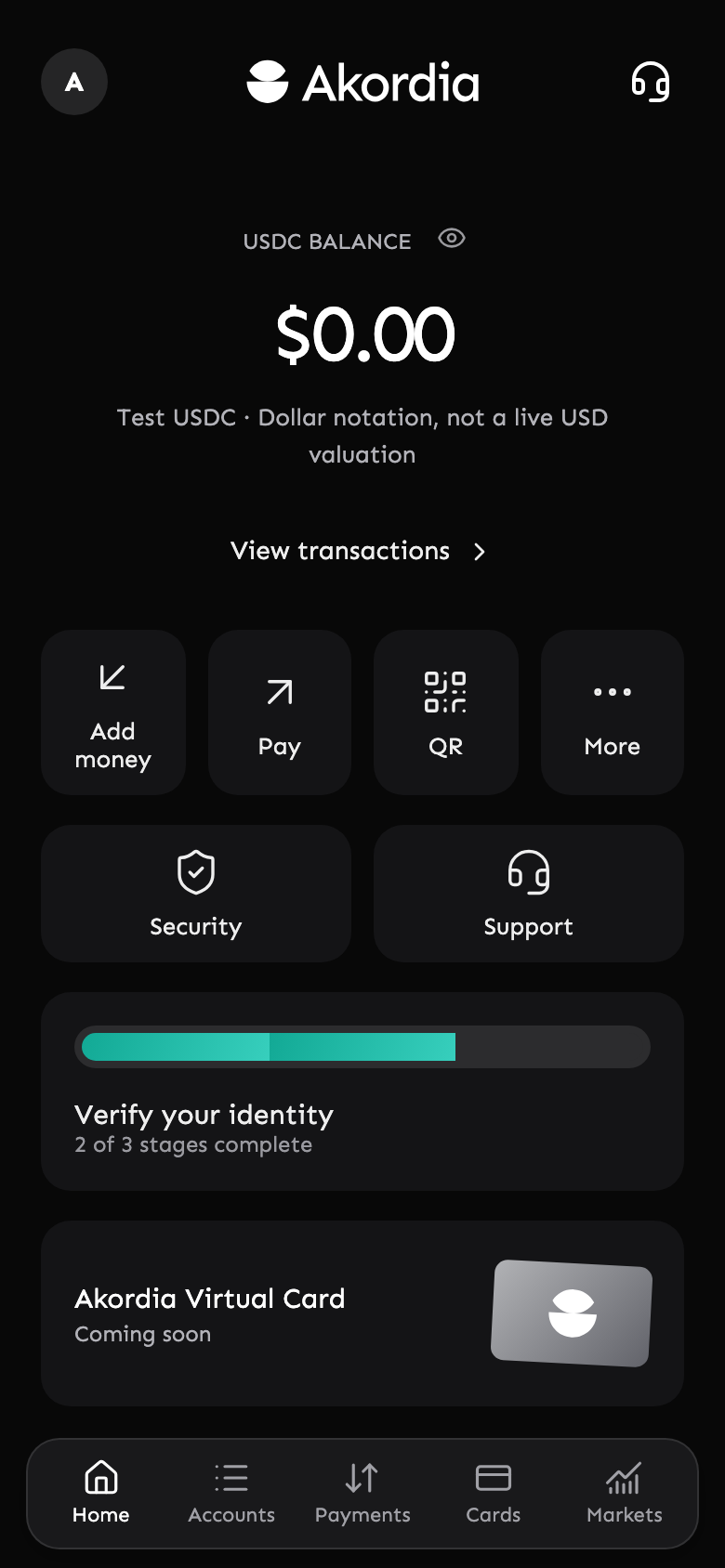
See your USDC balance, find your wallet and keep your activity close.

A MOBILE WALLET, MADE PERSONAL
A clearer way to hold, send and receive USDC. All together in an app that feels like yours.
Public launch coming soon. iOS testing by invitation.
Built around you.
Designed for the everyday.
LESS FRICTION. MORE CLARITY.
Your wallet should make sense at a glance. Start with the essentials, thoughtfully brought together.
See your USDC balance, find your wallet and keep your activity close.
Receive with your wallet address or QR code. Review the recipient, amount and estimated network fee before you send.
Follow incoming and outgoing activity, with network status and transaction details in the app.
These features are available in the test experience. Current transfers use test USDC on Base Sepolia, not real money.
MEET YOUR NEXT EVERYDAY APP
A calm home screen. Clear actions. The details when you need them. Take a closer look at Akordia.
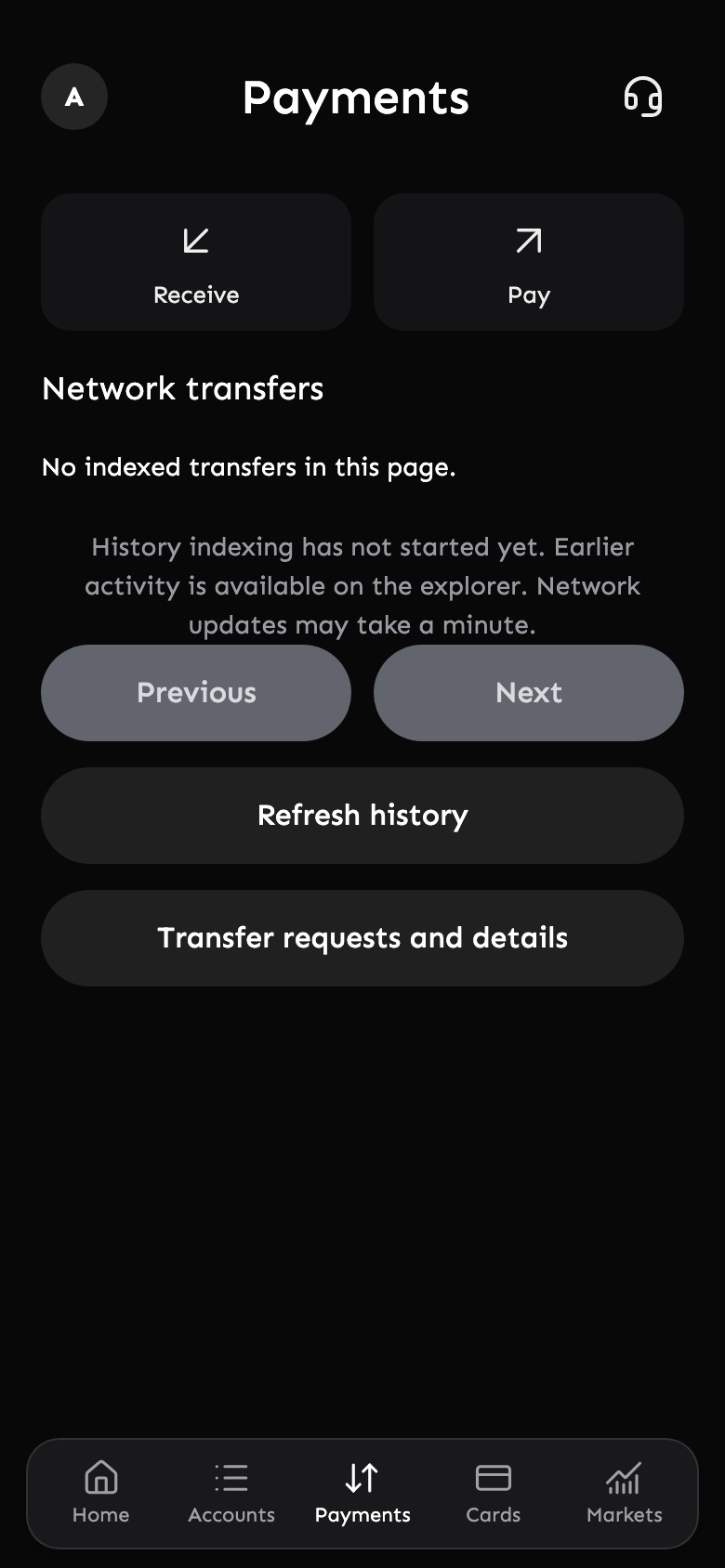
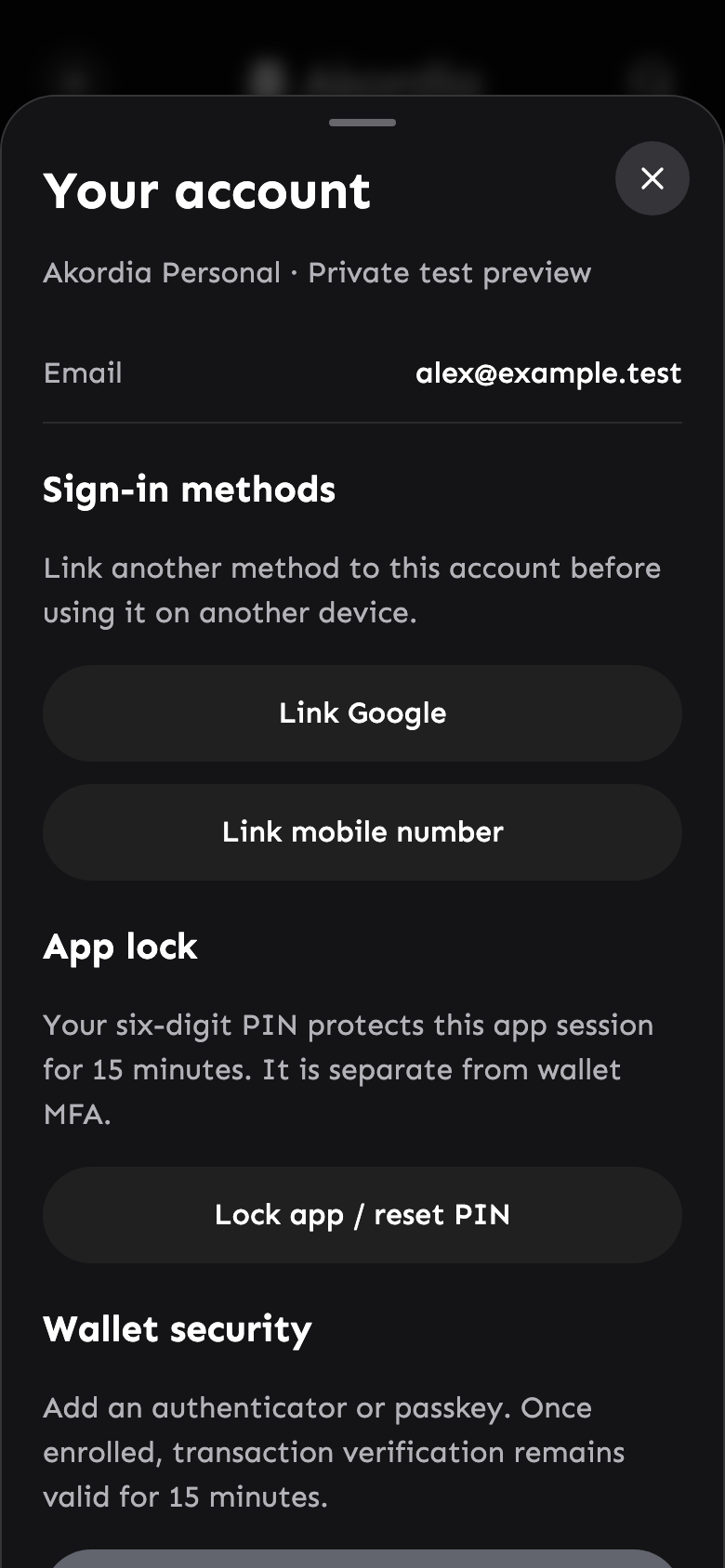
Actual app screens, shown with a demonstration account. iOS experience shown; Android is planned.
A THOUGHTFUL START
Here’s how invited testers get started today. Public downloads and real-money access will follow separately.
Accept your iOS testing invitation and install Akordia through TestFlight.
Check availabilitySign in, set your PIN, create your wallet and follow the account and verification steps shown in the app.
Receive test USDC on Base Sepolia, review a transfer, and follow its confirmation in your activity.
CONFIDENCE STARTS WITH CLARITY
Understand what you’re approving. Know how to get back in. Find help when you need it.
Protect access to your Akordia session, with separate wallet MFA and recovery options.
Check the amount, destination and estimated network fee before approving a transfer.
Akordia is a mobile crypto wallet built around USDC. The current test experience brings wallet balances, sending, receiving and transaction activity into one app. Akordia is operated by Lomao, LLC and is not a bank.
The iOS app is in TestFlight testing; access requires an invitation. A public App Store release is not available yet. Android is planned and has no public build or Google Play listing. Our download page will show verified links when each release is available.
The current wallet supports test USDC on Base Sepolia, with test ETH for network fees. These tokens have no real monetary value. Do not send mainnet USDC, real ETH or other assets to the test wallet. Production networks will be announced only after launch requirements are complete.
Invited testers can receive test USDC from a compatible Base Sepolia wallet and send it to a supported address. Bank deposits, card top-ups and bank withdrawals are not available. We are preparing those services; provider approval and eligibility checks are still required.
Transfers require network fees, which the app estimates before you confirm. Fees and confirmation times depend on the network and can change. A pending transfer is not a completed payment. Production pricing will be published before real-money access opens.
Testing is limited to invited adults who meet the app’s onboarding requirements. Public customer onboarding is not open. Geographic eligibility for the production release is still being confirmed; downloading the app will not guarantee eligibility.
Use the recovery options in the app and the same sign-in method linked to your account. Your app PIN and wallet MFA are separate protections. If you cannot get back in, contact admin@akordia.com. Never share a PIN, one-time code, recovery phrase or private key with support.
YOUR NEXT CHAPTER
Get to know Akordia today.
Be ready for what comes next.
